Set up your keyboard
Align the on-screen 88-key keyboard with your physical piano, then review the fit before you play.
 Explore Keyster
MIXED-REALITY PIANO PRACTICE
Keyster brings a visual note highway to the real piano in front of you. On Meta Quest, choose MIDI pieces, adjust playback speed, and follow notes toward their keys as you practice.
How it works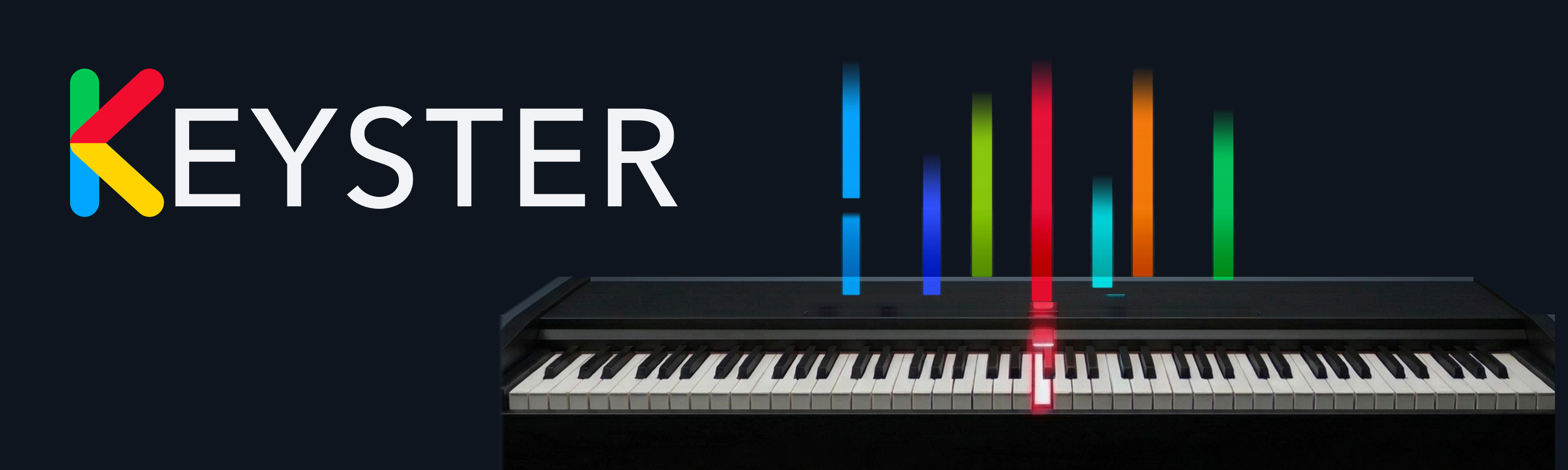
QUEST FEATURE PREVIEW
Keyster is a mixed-reality piano practice app for Meta Quest. Set up the on-screen keyboard against your physical instrument, then use the note highway, playback, and visual controls to work through music.
Align the on-screen 88-key keyboard with your physical piano, then review the fit before you play.
Adjust its angle, length, and visible time horizon to see approaching notes in a way that suits your setup.
Play MIDI charts from 0.01× to 2.00× speed, then reset the playback rate with one action.
Switch among chromatic, scale-degree, and in-scale/out-of-scale color views for notes and keys.
Keep upcoming, impact, held-note, restrike, and sustain-pedal information visually distinct.
Open bundled MIDI charts and sheet-score material from the local library.
Piano alignment uses the current guided setup. Automatic piano recognition is still in development and is not promised here. Device support and features will be confirmed for each release.
PLATFORM ROADMAP
Each platform needs its own working build and verified feature set. These are release targets, not a claim that every version is available today.
THE NEXT STEP
Store links, launch timing, support contact, and platform-specific details will appear here when confirmed.